
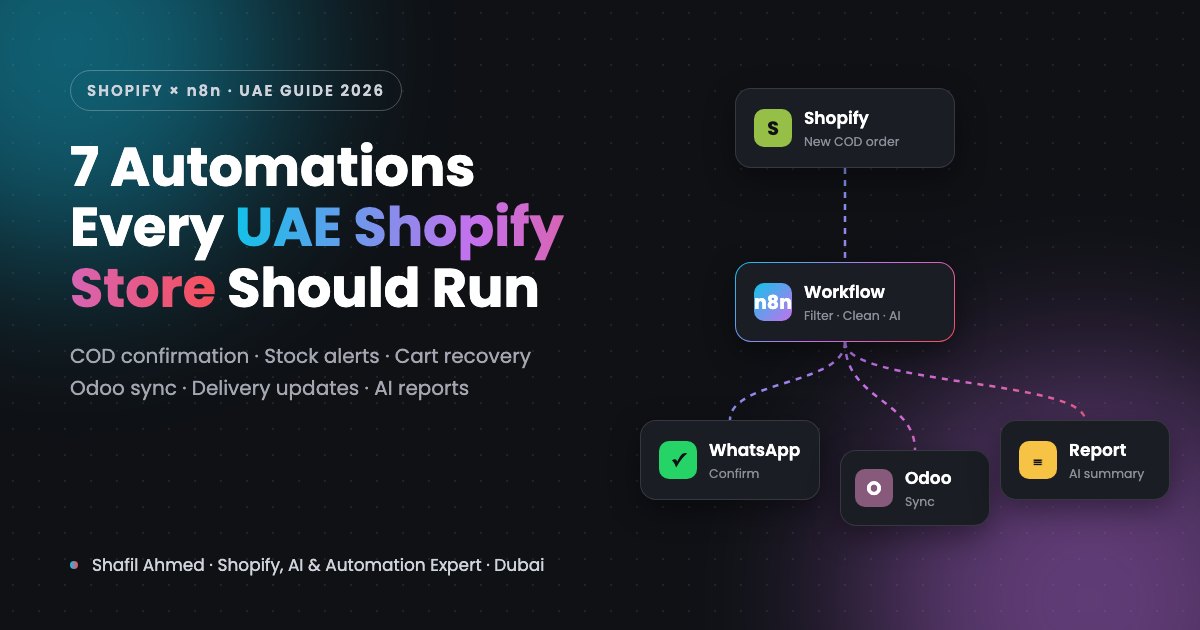
Most Shopify stores in the UAE run on a surprising amount of manual work. Someone copies COD orders into WhatsApp, someone checks stock in a spreadsheet, someone types orders into the accounting system, and someone answers "Where is my order?" all day.
n8n removes most of that. It's a workflow automation tool, similar to Zapier I build these for UAE stores as a Shopify automation developer in Dubai. or Make, that connects your Shopify store to every other tool you use. It can also be self-hosted, which keeps costs flat no matter how many orders you process.
Here are the seven automations I recommend first for Shopify stores in the UAE, roughly in the order that saves the most time and money.
Why n8n for Shopify stores
Shopify already includes Shopify Flow, and it's worth using for simple automations inside your store, such as tagging high-value orders or customers. n8n becomes the better tool when a workflow needs to:
- Connect several systems, for example Shopify, WhatsApp, Odoo, Google Sheets and Slack in one flow.
- Run custom logic or code, such as cleaning UAE phone numbers or calculating VAT splits.
- Use AI to read messages, write summaries or classify reviews.
- Grow without per-task fees. Self-hosted n8n doesn't charge per execution, which matters once you process thousands of orders a month.
A good setup usually uses both: Flow for simple in-store rules, n8n for everything that crosses system boundaries.
1. WhatsApp COD order confirmation
The problem: cash-on-delivery orders that get refused at the door. You pay for shipping both ways and the stock is out of circulation for days.
The automation: every new COD order triggers a WhatsApp message with Confirm and Cancel buttons. The reply tags the order in Shopify, an unanswered order gets one reminder, and anything still unconfirmed goes to your team before courier pickup.
Why first: it saves money on every single COD order. I've written a full step-by-step guide: Shopify WhatsApp COD confirmation in the UAE.
2. Low-stock alerts and reorder requests
The problem: best-sellers go out of stock during a sale or campaign, and nobody notices until customers complain.
The automation:
- Trigger on Shopify inventory updates, or run a check every few hours.
- Compare each product's stock against a threshold you set per product or collection.
- Send an alert to Slack, email or a WhatsApp group with the product, current stock and recent daily sales.
- Optionally, draft a reorder email to the supplier for your team to approve.
Tip: base the threshold on days of stock left, not a fixed number. Ten units is plenty for a slow product and half a day for a best-seller. n8n can calculate this from recent order data.
3. Abandoned checkout recovery on WhatsApp and email
The problem: Shopify's built-in abandoned checkout email works, but many UAE customers read WhatsApp long before email.
The automation:
- Pull abandoned checkouts from the Shopify Admin API on a schedule.
- Skip customers who didn't agree to marketing messages, and skip anyone who has since completed an order.
- Send one WhatsApp reminder with a link back to their cart, and let Shopify or Klaviyo handle the email sequence.
- Tag recovered orders so you can measure the result.
Tip: cart reminders count as marketing messages on WhatsApp, so they need marketing consent and a marketing template. Keep it to one reminder. The goal is a helpful nudge, not a sales campaign.
4. Shopify-to-Odoo (or accounting) order sync
The problem: someone re-types Shopify orders into Odoo, QuickBooks or a spreadsheet, and VAT, discounts and shipping charges get entered differently every time.
The automation:
- Trigger on paid or fulfilled orders.
- Create or update the customer in Odoo.
- Create the sales order with the correct products, discounts, shipping line and 5% UAE VAT.
- Sync stock levels back from Odoo to Shopify, so the warehouse stays the single source of truth.
Tip: decide which system owns which data before building anything. Is the price set in Shopify or Odoo? Is stock? Most sync problems come from both systems trying to own the same field. More on this in my Odoo ERP development services.
5. Delivery status updates for customers
The problem: "Where is my order?" messages take up a large share of support time for most stores.
The automation:
- When an order is fulfilled, save the tracking number and courier.
- Check the courier's API on a schedule (or receive its webhooks, if it offers them).
- When the status changes to out for delivery or delivered, update the order in Shopify and send the customer a short WhatsApp or email update.
- If a delivery fails, alert your team immediately so they can call the customer the same day.
Tip: the out for delivery message matters most for COD orders. It reminds the customer to have cash ready and to stay reachable, which reduces failed attempts.
6. Daily sales report with an AI summary
The problem: owners log in to Shopify every morning to piece together yesterday's numbers, or don't check at all.
The automation:
- Every morning, pull yesterday's orders, refunds, top products and traffic source data.
- Calculate the numbers that matter: revenue in AED, order count, average order value, COD share, cancellations and returns.
- Pass the numbers to an AI model with a short instruction such as "Compare with the same day last week and point out anything unusual."
- Send the report to WhatsApp, Slack or email.
The result is a three-line message like this: "Revenue up 18% on last Thursday, driven by the new abaya collection. COD cancellations doubled; most came from one courier zone."
Tip: let code calculate the numbers and AI only write the explanation. Language models are good at summarising and bad at arithmetic.
7. Post-delivery review requests and AI feedback triage
The problem: happy customers rarely leave reviews unless asked, and unhappy ones leave them in public.
The automation:
- A few days after delivery, ask the customer for a review by email or WhatsApp.
- Run every new review and support message through an AI step that classifies it: positive, product issue, delivery issue or refund request. It can also tell whether it's written in English or Arabic.
- Send positive reviews to your review app, and send problems straight to your team with the order details attached.
Tip: reply to negative feedback within hours, not days. In my experience, how quickly you respond decides whether a customer comes back.
n8n moves the data around. For the content side, from product descriptions to customer chat, see 7 practical uses of AI for UAE Shopify stores.
How to set up n8n properly
A few rules that save a lot of trouble later:
- Self-host on a small VPS with Docker, or use n8n Cloud if you don't want to manage servers. Back up the database regularly.
- Test on a development store first. Never point a new workflow at live orders on the first try.
- Use an error workflow. n8n can alert you when any workflow fails, so a broken automation doesn't go unnoticed for a week.
- Respect Shopify's API rate limits. For large exports or syncs, use Shopify's bulk operations instead of thousands of single requests.
- Keep credentials in n8n's credential store, never pasted into nodes, and give each API token only the permissions it needs.
- Collect only the customer data you need. The UAE's Personal Data Protection Law applies to data you move between systems too.
Where to start
You don't need all seven at once. A sensible order for most UAE stores:
- COD confirmation, if you offer cash on delivery
- Daily sales report, the quickest win
- Low-stock alerts
- Delivery updates
- Odoo or accounting sync, cart recovery and review triage once the basics run reliably
Each workflow usually takes days, not months, to build and test. Together they can give a small team back hours every day. For a full picture of store running costs, see the Shopify pricing in UAE breakdown.
Want these automations on your store?
I build n8n, AI and WhatsApp automations for Shopify stores in Dubai and across the UAE, and I set up and customise the stores themselves. See my AI & automation services or Shopify development in Dubai, or book a free 30-minute call to talk through which automations would save your team the most time.
Frequently asked questions
n8n is a workflow automation tool that connects apps through visual workflows. It has a Shopify trigger and Shopify nodes, so it can react to new orders, stock changes or customers, and then update other systems such as WhatsApp, Odoo, Google Sheets, Slack or Klaviyo. It can be self-hosted or used as a cloud service.
They solve different problems. Shopify Flow is built into Shopify and is great for simple automations inside your store, like tagging orders or customers. n8n is better when the workflow involves other systems, custom logic, code or AI, for example syncing orders to Odoo or sending WhatsApp messages. Many stores use both.
For growing stores it's often cheaper and more flexible. Self-hosted n8n has no per-task fee, so costs stay flat as order volume grows, and it supports code steps and complex branching. Zapier is quicker to start with for very simple, low-volume automations.
If you offer cash on delivery, start with WhatsApp COD confirmation, because refused deliveries cost money on every order. After that, low-stock alerts and a daily sales report are quick wins that save time from day one.
Simple workflows can be built without code. Anything involving webhooks, phone number cleanup, ERP sync, AI or error handling is easier and safer with a developer who knows both Shopify's API and n8n.